Best Website Builders
Posted on |
Best Website Builders: The Ultimate Guide to Creating a Professional Website in 2026
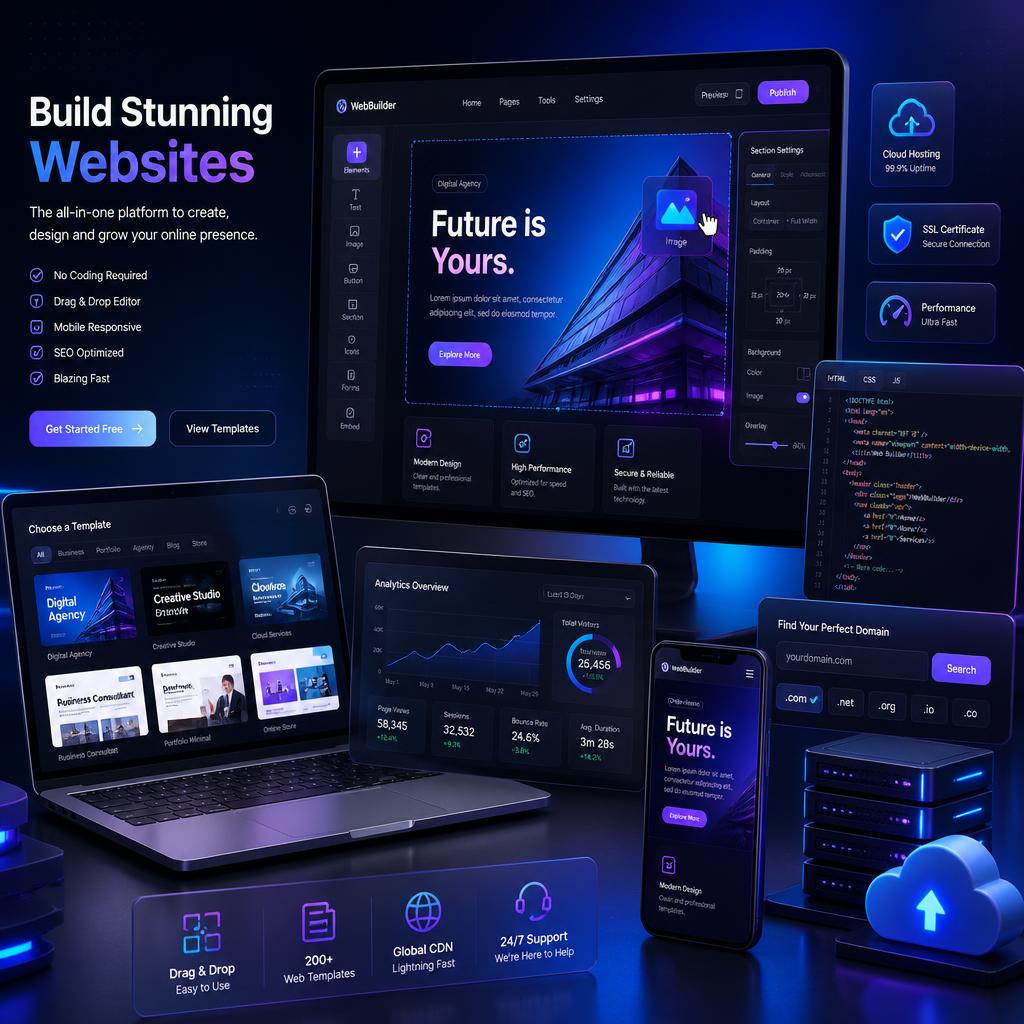
Building a website no longer requires advanced coding skills or a large budget. Thanks to modern website builders, anyone can create a professional-looking website, online store, portfolio, or blog in just a few hours. Whether you’re a small business owner, entrepreneur, freelancer, or content creator, choosing the right website builder can save time, reduce costs, and help your online presence grow.
Website builders have evolved significantly over the past few years. They now include artificial intelligence tools, drag-and-drop editors, eCommerce features, SEO tools, and hundreds of professionally designed templates. With so many options available, selecting the best platform can be difficult.
This comprehensive guide explores the best website builders available today, compares their features, pricing, advantages, and disadvantages, and helps you choose the ideal solution for your needs.
Why Use a Website Builder?
Years ago, building a website required hiring developers and designers or learning programming languages like HTML, CSS, and JavaScript. Website builders have changed everything by making website creation accessible to everyone.
The biggest advantages of website builders include:
- No coding required
- Faster website creation
- Lower development costs
- Mobile-friendly templates
- Built-in SEO tools
- Easy content management
- Hosting and security included
- eCommerce capabilities
Modern website builders allow anyone to launch a professional website without technical experience.
What to Look for in a Website Builder
Before choosing a platform, consider these important features.
Ease of Use
A good website builder should have an intuitive interface that makes designing pages simple.
Templates and Design Flexibility
Professional templates help you create visually appealing websites quickly.
SEO Features
The platform should provide tools for:
- Custom URLs
- Meta titles and descriptions
- Image optimization
- Mobile responsiveness
- Sitemap generation
eCommerce Features
If you plan to sell products online, look for:
- Payment gateways
- Inventory management
- Coupon systems
- Product variations
- Shipping tools
Performance and Speed
Website speed directly impacts user experience and search engine rankings.
Customer Support
Reliable support is essential, especially for beginners.
Pricing
Choose a platform that fits your budget and offers room for future growth.
Best Places to Buy Electronics Online
1. Wix
Website: https://www.wix.com/
Wix is one of the most popular website builders in the world, serving millions of users across various industries.
Key Features
- Drag-and-drop editor
- More than 900 templates
- AI website builder
- App marketplace
- Blogging tools
- eCommerce features
- SEO tools
Advantages
Wix offers exceptional design flexibility and is incredibly easy to use.
Best For
Small businesses, portfolios, personal websites, and beginners.
Drawbacks
Switching templates after launching your website can be difficult.
2. Squarespace
Website: https://www.squarespace.com/
Squarespace is famous for its stunning templates and elegant designs.
Key Features
- Professional templates
- Blogging tools
- Built-in analytics
- eCommerce support
- Email marketing tools
- Appointment scheduling
Advantages
Beautiful, modern designs that require minimal customization.
Best For
Creative professionals, photographers, designers, and bloggers.
Drawbacks
Less design flexibility compared to Wix.
3. Shopify
Website: https://www.shopify.com/
Shopify is widely considered the best website builder for eCommerce businesses.
Key Features
- Product management
- Payment processing
- Inventory management
- Shipping integrations
- App marketplace
- Marketing tools
Advantages
Everything is optimized for selling products online.
Best For
Online stores and eCommerce businesses.
Drawbacks
Monthly costs can become expensive with additional apps.
4. WordPress.com
Website: https://wordpress.com/
WordPress.com offers a hosted version of the world’s most popular content management system.
Key Features
- Blogging tools
- Templates
- Built-in hosting
- SEO capabilities
- Plugin support
Advantages
Excellent content management capabilities.
Best For
Bloggers and content-driven websites.
Drawbacks
Customization is more limited than self-hosted WordPress.
5. WordPress.org
Website: https://wordpress.org/
WordPress.org powers more than forty percent of all websites on the internet.
Key Features
- Unlimited customization
- Thousands of themes
- Massive plugin library
- Complete ownership
- Advanced SEO capabilities
- eCommerce support through WooCommerce
Advantages
The most flexible website platform available.
Best For
Businesses, bloggers, agencies, and developers.
Drawbacks
Requires separate hosting and maintenance.
6. Hostinger Website Builder
Website: https://www.hostinger.com/website-builder
Hostinger has become one of the fastest-growing website builders thanks to its affordability and AI tools.
Key Features
- AI website creation
- Drag-and-drop editor
- eCommerce functionality
- SEO tools
- Mobile responsiveness
Advantages
Excellent value for money.
Best For
Beginners and small businesses.
Drawbacks
Fewer advanced features than larger competitors.
7. Webflow
Website: https://webflow.com/
Webflow combines website building with professional web design capabilities.
Key Features
- Visual design tools
- Advanced animations
- CMS functionality
- Hosting
- Custom code support
Advantages
Allows designers to create highly customized websites.
Best For
Designers and agencies.
Drawbacks
Steeper learning curve.

8. Weebly
Website: https://www.weebly.com/
Weebly provides an easy-to-use platform for small businesses and personal websites.
Key Features
- Drag-and-drop editor
- eCommerce tools
- Blogging
- SEO tools
- Mobile-friendly templates
Advantages
Simple interface and affordable pricing.
Best For
Beginners and small businesses.
Drawbacks
Limited design flexibility.
9. GoDaddy Website Builder
Website: https://www.godaddy.com/websites/website-builder
GoDaddy offers one of the fastest ways to launch a website.
Key Features
- AI-generated websites
- Marketing tools
- Email campaigns
- Online store functionality
- Social media integrations
Advantages
Very easy setup process.
Best For
Users who need a website quickly.
Drawbacks
Limited customization options.
10. Duda
Website: https://www.duda.co/
Duda is designed for agencies and professionals managing multiple websites.
Key Features
- Team collaboration
- White-label tools
- Client management
- Drag-and-drop editor
- Responsive design
Advantages
Excellent agency features.
Best For
Freelancers and web agencies.
Drawbacks
More expensive than beginner-focused builders.
11. Zyro
Website: https://zyro.com/
Zyro focuses on simplicity and affordability.
Key Features
- AI tools
- Website templates
- Online store capabilities
- Marketing tools
Advantages
Easy for beginners.
Best For
Small businesses and startups.
Drawbacks
Limited advanced customization.
12. Jimdo
Website: https://www.jimdo.com/
Jimdo offers a straightforward website-building experience.
Key Features
- AI website creation
- Mobile optimization
- SEO tools
- eCommerce functionality
Advantages
Quick and easy setup.
Best For
Personal websites and small businesses.
Drawbacks
Fewer advanced features.
Best Website Builders for Beginners
If you’re creating your first website, these platforms are excellent choices:
- Wix
- Hostinger Website Builder
- Weebly
- GoDaddy Website Builder
- Squarespace
These services offer intuitive interfaces and minimal learning curves.
Best Website Builders for Small Businesses
Small businesses need affordability and marketing tools.
Recommended options include:
- Wix
- Squarespace
- Hostinger Website Builder
- WordPress.org
- GoDaddy Website Builder
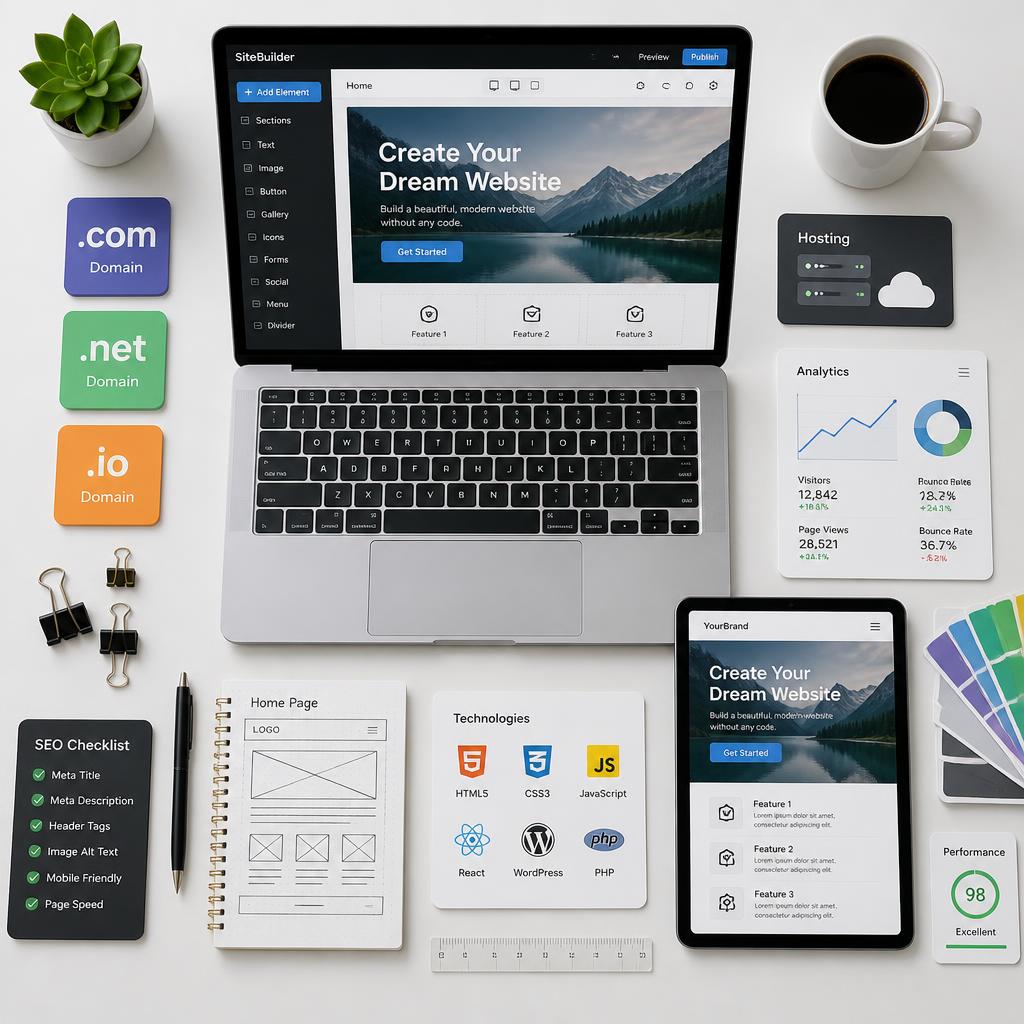
Best Website Builders for Bloggers
Content creators need powerful publishing tools.
The best options are:
- WordPress.org
- WordPress.com
- Squarespace
- Wix
These platforms provide excellent blogging features and SEO tools.
Best Website Builders for Online Stores
Selling products online requires advanced eCommerce functionality.
Top choices include:
- Shopify
- WooCommerce on WordPress.org
- Wix eCommerce
- Squarespace Commerce
These platforms provide inventory management, payment processing, and marketing tools.
Best Website Builders for Designers and Agencies
Professional designers often need greater flexibility.
Recommended platforms include:
- Webflow
- Duda
- WordPress.org
These solutions offer advanced customization and client management features.
The Importance of SEO in Website Builders
A beautiful website means little if people cannot find it.
The best website builders provide:
- Custom URLs
- Mobile optimization
- Fast loading speeds
- Structured data support
- XML sitemaps
- Meta descriptions
- Image optimization
SEO-friendly platforms make it easier to rank in search engines and attract organic traffic.
AI and the Future of Website Builders
Artificial intelligence is transforming website creation.
Modern AI tools can:
- Generate website designs
- Write content
- Create logos
- Suggest layouts
- Improve SEO
- Build entire websites in minutes
As AI technology advances, website creation will become even easier and more accessible.
Best Websites for Computer Parts
How Cashback Websites Make Money Explained Simply
How to Choose the Right Website Builder
Before selecting a platform, ask yourself these questions:
What Type of Website Are You Building?
Blogs, portfolios, and online stores have different requirements.
Do You Need eCommerce Features?
Shopify and WooCommerce are excellent choices for selling products.
How Important Is Design Flexibility?
Webflow and Wix offer extensive customization.
What Is Your Budget?
Some builders are more affordable than others.
How Much Technical Knowledge Do You Have?
Beginners often prefer Wix or Squarespace, while advanced users may prefer WordPress.
Common Website Builder Mistakes
Many beginners make the following mistakes:
- Choosing the wrong platform
- Ignoring SEO
- Using too many plugins
- Selecting poor-quality templates
- Not optimizing for mobile devices
- Neglecting website speed
Avoiding these mistakes can dramatically improve your website’s success.
Tips for Building a Successful Website
Keep Your Design Simple
Clean layouts improve user experience.
Focus on Mobile Optimization
Most website traffic now comes from mobile devices.
Improve Website Speed
Fast websites rank better and convert more visitors.
Use High-Quality Images
Professional visuals improve credibility.
Create Valuable Content
Content remains one of the most important factors for online success.
Optimize for Search Engines
Implement SEO best practices from the beginning.
Frequently Asked Questions
What is the easiest website builder?
Wix and Hostinger Website Builder are among the easiest platforms for beginners.
Which website builder is best for eCommerce?
Shopify remains one of the best options for online stores.
Is WordPress better than website builders?
WordPress offers greater flexibility but requires more management.
Which website builder is best for bloggers?
WordPress.org is widely considered the best platform for blogging.
Do website builders include hosting?
Most website builders include hosting, security, and maintenance.
Final Thoughts
The best website builder depends entirely on your goals and technical experience.
Wix remains one of the best all-around website builders thanks to its flexibility and ease of use. Squarespace is ideal for creatives who value beautiful design, while Shopify dominates the eCommerce industry. WordPress.org offers unmatched customization and remains the preferred choice for bloggers and businesses that need complete control over their websites.
For beginners seeking affordability, Hostinger Website Builder provides excellent value and modern AI features. Designers and agencies often prefer Webflow and Duda because of their advanced capabilities.
No matter which platform you choose, a professional website is one of the most valuable investments you can make for your business or personal brand. By selecting the right website builder and focusing on design, content, and SEO, you can create an online presence that attracts visitors, builds trust, and drives long-term success.