Best Productivity Apps
Posted on |
Best Productivity Apps: The Ultimate Guide to Boosting Efficiency and Getting More Done
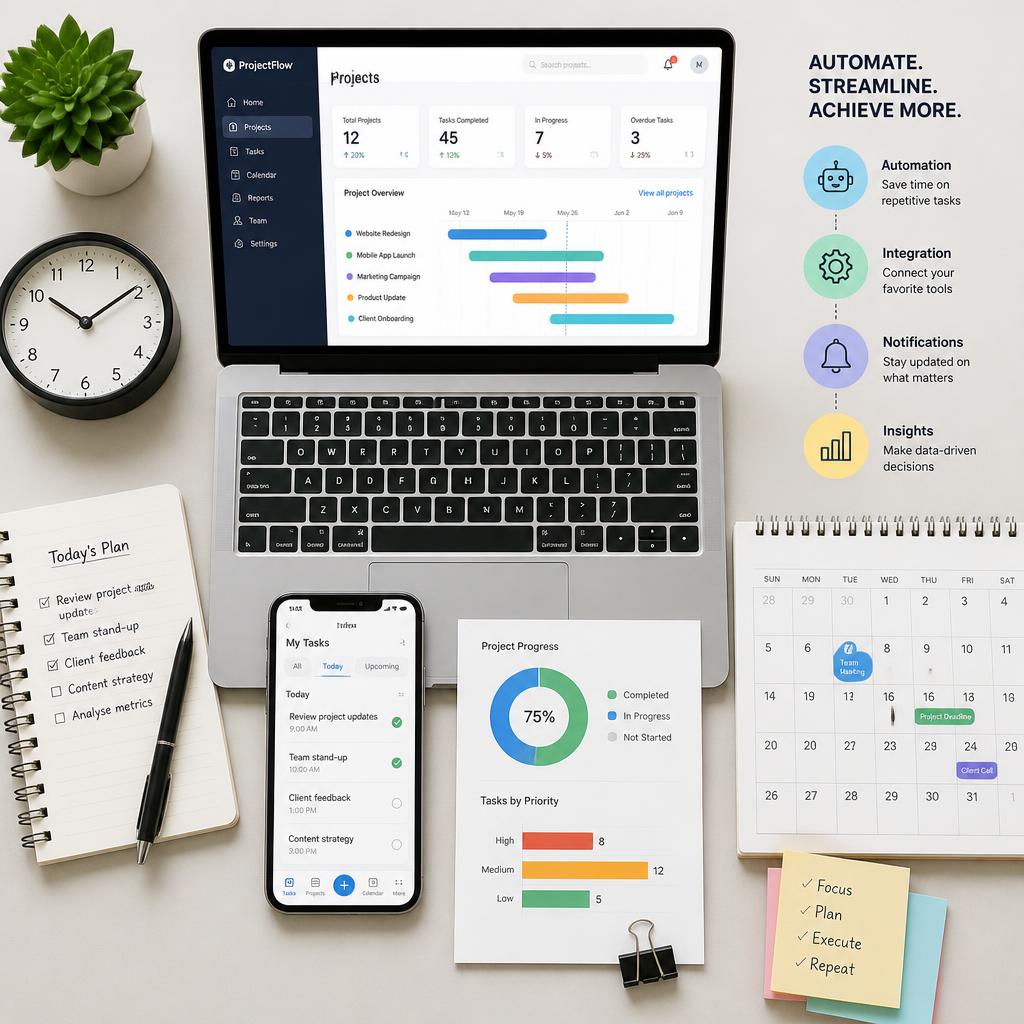
In today’s fast-paced digital world, staying productive can feel like an impossible challenge. Between endless emails, meetings, social media notifications, and growing to-do lists, it’s easy to become overwhelmed and lose focus. Fortunately, technology also provides solutions. The right productivity apps can help you manage your time, organize tasks, collaborate with teams, and ultimately accomplish more every day.
Productivity applications have evolved far beyond simple note-taking tools. Modern apps now include artificial intelligence, automation, project management capabilities, and powerful integrations that help individuals and businesses streamline their workflows.
Whether you’re a student, entrepreneur, freelancer, remote worker, or business owner, this guide explores the best productivity apps available today and explains how they can transform the way you work.
Why Productivity Apps Matter
Productivity isn’t about being busy. It’s about using your time efficiently and focusing on tasks that matter most. Productivity apps help by:
- Organizing tasks and projects
- Improving time management
- Reducing distractions
- Enhancing collaboration
- Automating repetitive work
- Centralizing information
- Increasing efficiency and focus
By using the right combination of tools, you can save hours every week and reduce stress significantly.
Best Places to Buy Electronics Online
Best Smartphone Shopping Sites
What Makes a Great Productivity App?
Before choosing a productivity application, consider these important factors.
Ease of Use
A complicated app often becomes another source of frustration. The best tools have simple interfaces and intuitive navigation.
Cross-Platform Support
Many people switch between phones, tablets, and computers throughout the day. Productivity apps should sync seamlessly across devices.
Integrations
The ability to connect with email, calendars, cloud storage, and communication tools greatly improves efficiency.
Collaboration Features
For teams, sharing projects and communicating in real time is essential.
Automation
Automation features eliminate repetitive tasks and save valuable time.
Security
Since productivity apps often store sensitive information, strong security and encryption are important considerations.
1. Notion
Website: https://www.notion.so/
Notion has become one of the most popular productivity platforms in the world. It combines note-taking, project management, databases, and collaboration tools into a single workspace.
Key Features
- Note-taking
- Task management
- Databases
- Wikis
- Team collaboration
- Templates
- AI writing tools
Advantages
Notion is incredibly flexible and can be customized for virtually any workflow.
Best For
Students, entrepreneurs, remote teams, and content creators.
Drawbacks
The enormous number of customization options can feel overwhelming to new users.
2. Todoist
Website: https://todoist.com/
Todoist is one of the most effective task management apps available.
Key Features
- To-do lists
- Recurring tasks
- Priorities
- Labels and filters
- Productivity tracking
- Collaboration features
Advantages
Simple design combined with powerful organization tools.
Best For
Individuals who want an easy-to-use task management system.
Drawbacks
Some advanced features require a premium subscription.
3. Trello
Website: https://trello.com/
Trello uses a visual board system that makes project management incredibly intuitive.
Key Features
- Kanban boards
- Cards and checklists
- Automation
- Team collaboration
- Calendar views
- Integrations
Advantages
Easy to learn and visually appealing.
Best For
Small teams and project management beginners.
Drawbacks
Less suitable for highly complex projects.
4. Asana
Website: https://asana.com/
Asana is one of the most powerful project management platforms available.
Key Features
- Task assignments
- Timelines
- Workflow automation
- Team communication
- Reporting dashboards
- Goal tracking
Advantages
Excellent for managing large teams and projects.
Best For
Businesses and growing organizations.
Drawbacks
Beginners may need time to understand all features.
5. Microsoft OneNote
Website: https://www.onenote.com/
OneNote is a powerful digital notebook that integrates perfectly with the Microsoft ecosystem.
Key Features
- Note-taking
- Drawing tools
- Multimedia support
- Cloud synchronization
- Collaboration
Advantages
Excellent organization and completely free.
Best For
Students and Microsoft users.
Drawbacks
Project management capabilities are limited.
6. Evernote
Website: https://evernote.com/
Evernote has long been a favorite note-taking application.
Key Features
- Note organization
- Web clipping
- Search capabilities
- Document scanning
- Task management
Advantages
Powerful search functionality.
Best For
Professionals managing large amounts of information.
Drawbacks
Premium plans can be expensive.
7. Google Keep
Website: https://keep.google.com/
Google Keep provides a lightweight solution for note-taking and reminders.
Key Features
- Notes
- Checklists
- Reminders
- Labels
- Voice notes
Advantages
Simple and completely free.
Best For
Quick notes and reminders.
Drawbacks
Limited advanced functionality.
8. ClickUp
Website: https://clickup.com/
ClickUp positions itself as an all-in-one productivity platform.
Key Features
- Task management
- Documents
- Goals
- Time tracking
- Dashboards
- Automation
Advantages
An impressive range of features.
Best For
Teams and businesses seeking one platform for everything.
Drawbacks
The interface can initially feel overwhelming.

9. Slack
Website: https://slack.com/
Slack revolutionized workplace communication.
Key Features
- Team messaging
- Channels
- File sharing
- Integrations
- Audio and video calls
Advantages
Excellent communication and collaboration.
Best For
Remote teams and businesses.
Drawbacks
Large organizations can experience information overload.
Best Gaming Accessories Stores
Best Websites for Computer Parts
10. Microsoft Teams
Website: https://www.microsoft.com/microsoft-teams
Microsoft Teams combines communication and collaboration tools.
Key Features
- Video conferencing
- Messaging
- File sharing
- Calendar integration
- Office integration
Advantages
Excellent for organizations already using Microsoft 365.
Best For
Corporate environments.
Drawbacks
Can feel complicated for small teams.
11. Google Calendar
Website: https://calendar.google.com/
Google Calendar remains one of the most essential productivity applications.
Key Features
- Event scheduling
- Reminders
- Shared calendars
- Time zone support
- Integration with Google services
Advantages
Simple and powerful.
Best For
Anyone who needs better time management.
Drawbacks
Limited project management capabilities.
12. Clockify
Website: https://clockify.me/
Clockify is one of the best time-tracking tools available.
Key Features
- Time tracking
- Reports
- Billable hours
- Team management
- Productivity insights
Advantages
Generous free plan.
Best For
Freelancers and agencies.
Drawbacks
Limited project management tools.
13. RescueTime
Website: https://www.rescuetime.com/
RescueTime helps users understand how they spend their time.
Key Features
- Activity tracking
- Focus sessions
- Productivity reports
- Goal setting
Advantages
Provides valuable insights into daily habits.
Best For
Individuals struggling with distractions.
Drawbacks
Requires continuous tracking.
14. Forest
Website: https://www.forestapp.cc/
Forest takes a unique approach to productivity by encouraging users to avoid distractions.
Key Features
- Focus timer
- Gamification
- Productivity tracking
Advantages
Makes staying focused fun.
Best For
Students and remote workers.
Drawbacks
Limited features beyond focus sessions.
15. Zapier
Website: https://zapier.com/
Zapier automates workflows between thousands of applications.
Key Features
- Workflow automation
- App integrations
- Trigger-based actions
- Multi-step workflows
Advantages
Saves countless hours by automating repetitive tasks.
Best For
Businesses and professionals.
Drawbacks
Complex automations require premium plans.
Best Productivity Apps for Students
Students need tools for organization and focus.
Recommended apps include:
- Notion
- OneNote
- Google Calendar
- Forest
- Todoist
These applications help students manage assignments, notes, and study schedules.
Best Productivity Apps for Remote Workers
Remote work demands excellent communication and organization.
Top choices include:
- Slack
- ClickUp
- Asana
- Notion
- Microsoft Teams
These platforms improve collaboration and streamline workflows.
Best Productivity Apps for Entrepreneurs
Entrepreneurs often manage multiple responsibilities simultaneously.
The best options are:
- Notion
- Todoist
- Zapier
- Google Calendar
- ClickUp
Together, these apps can significantly increase efficiency.
Best Productivity Apps for Teams
Team productivity depends heavily on communication and project management.
Leading options include:
- Asana
- ClickUp
- Trello
- Slack
- Microsoft Teams
These applications improve collaboration and accountability.
The Role of Artificial Intelligence in Productivity Apps
Artificial intelligence is rapidly transforming productivity software.
Modern AI features include:
- Automated meeting summaries
- AI writing assistance
- Smart scheduling
- Task prioritization
- Email drafting
- Content generation
AI helps users spend less time on repetitive work and more time on meaningful activities.
How to Build a Personal Productivity System
Using productivity apps effectively requires a clear system.
Step 1: Capture Information
Use note-taking apps such as Notion or OneNote.
Step 2: Organize Tasks
Manage tasks with Todoist or ClickUp.
Step 3: Schedule Your Time
Plan your days using Google Calendar.
Step 4: Track Performance
Use Clockify or RescueTime.
Step 5: Automate Repetitive Work
Connect apps with Zapier.
A well-designed system reduces stress and increases efficiency.
Common Productivity Mistakes
Many people fail to improve productivity because they:
- Use too many apps.
- Ignore priorities.
- Don’t review tasks regularly.
- Constantly switch between projects.
- Allow distractions to interrupt focus.
The right tools are important, but consistent habits are equally essential.
Productivity Tips to Get More Done
Prioritize Important Tasks
Focus on tasks that have the greatest impact.
Use Time Blocking
Reserve specific periods for important work.
Eliminate Distractions
Turn off unnecessary notifications.
Review Your Goals
Regular reviews help maintain focus.
Automate Repetitive Processes
Automation can save hours every week.
Take Breaks
Short breaks improve concentration and creativity.
The Future of Productivity Apps
Productivity software continues to evolve rapidly.
Future trends include:
- AI-powered assistants
- Predictive scheduling
- Advanced automation
- Voice-controlled workflows
- Better cross-platform integration
- Personalized productivity recommendations
As technology advances, productivity apps will become even more intelligent and capable of managing increasingly complex workflows.
Frequently Asked Questions
Which productivity app is best overall?
Notion is one of the most versatile productivity platforms available today.
What is the best app for task management?
Todoist and ClickUp are excellent choices.
Which app is best for teams?
Asana and ClickUp provide powerful collaboration tools.
Are productivity apps worth paying for?
Premium features often save enough time to justify the investment.
Which app is best for students?
Notion and OneNote are particularly popular among students.
Final Thoughts
Productivity is not about working harder; it’s about working smarter. The best productivity apps help you organize information, manage time, collaborate effectively, and reduce distractions.
For all-in-one flexibility, Notion remains one of the strongest options available. For task management, Todoist continues to impress with its simplicity and effectiveness. Businesses and teams often prefer ClickUp and Asana because of their advanced collaboration tools, while Google Calendar remains indispensable for scheduling and time management.
Ultimately, the best productivity app is the one that fits your personal workflow and helps you consistently achieve your goals. By selecting the right tools and building productive habits, you can accomplish more, reduce stress, and create a more balanced and efficient life.